
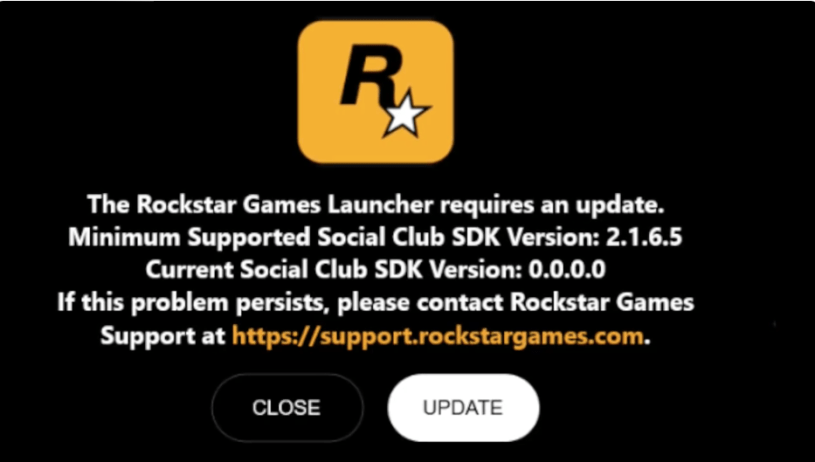
If you see the message above when you open up the Rockstar Launcher and is says that you need to update Rockstar Social Club SDK version from 0.0.0.0, then these are the fixes you can try.
Until it’s fixed you can’t even run the Rockstar Launcher to play any of the games on PC
Watch the video above to see it in action.
- Obviously the first thing to try is to use the Update button as suggested. If you’re lucky that will fix it for you, but it’s unlikely.
- Next up is to uninstall and then reinstall the Rockstar launcher (make sure you know your login) in the standard way on PC via the add/remove program option. This one fixed if for me and it should work for most people.
- If this doesn’t work then you can try to repair the Rockstar Launcher’s Restributibles files. You can find these via Windows Explorer in Program Files > Rockstar Games > Launcher > Restributibles > VCRed and then right mouse on the two files and click on ‘Repair
- A final option is to check that your Social Club folder is in the right place in your hard drive. Sometimes, it’s installed in a separate location or drive for space issues and this might affect the path. It should be in the folder Program Files > Rockstar Games > alongside the Grand Theft Auto V and Launcher folders
- If you find another solution, then please let others know in the comments.

