
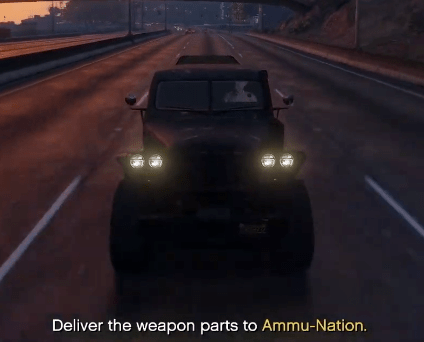
There is a gameplay quirk within GTA 5 and GTA Online that lets you drive without any traffic on your side of the road.
Watch the video above to see it in action.
All you need to do is the following:
- Drive onto the other side of the road, e.g. the left
- Press the look behind you button (press right stick down on Xbox or PlayStation Controller, C on PC)
- You’ll need a little luck to dodge the traffic for a few seconds
- After those few seconds have elapsed you’ll be able to drive traffic free on the left-hand side of the road for as long as you are holding the look behind you button
- As soon as you look forward vehicles will start spawning in again
- The exception to the rule is enemies that usually spawn in behind you. They will now spawn right on top of you as the video above shows!
The reason for this is to manage the in-game memory by not spawning in unnecessary objects. So, there’s no need to show things that off-screen so the game doesn’t spawn them in meaning the road ahead becomes traffic-free and only your ability to drive without looking in the right direction is limiting you from keeping going.
 Follow That