
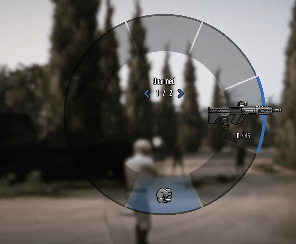
If you start the new Cayo Perico Survival mode and are wondering why you don’t have your normal weapons then there’s a simple enough answer.
Watch the video above to see it in action.
There are two ways to play the new mode:
From launch menu
Start from the game’s main launch menu when you first open up the game and have the options of GTA Online, GTA Plus and GTA 5 Story Mode. If you launch from this section, then you won’t be equipped with your weapons, but you can pick up weapons while completing the waves which actually makes a good challenge.
Bear in mind that Cayo Perico Survival is seasonal content so it won’t always be part of that menu or even available sometimes. It’s a popular form of the game and has already been brought back once post-launch
From the in-game menu
If you open up the in-game GTA menu (the big full screen one) and go to Online > Jobs > Play Job > Rockstar Created > Survivals and if it’s available at the moment then you’ll find Cayo Perico Survival there.
If you start the mission from this menu option, then you’ll have your full set of weapons which makes it significantly easier, though bear in mind that you can restock your Ammo as you can in normal GTA mode so you’ll need to ration your heaviest weapons, such as your RPG and Minigun until later and harder waves.
 Follow That